Pages and the page builder
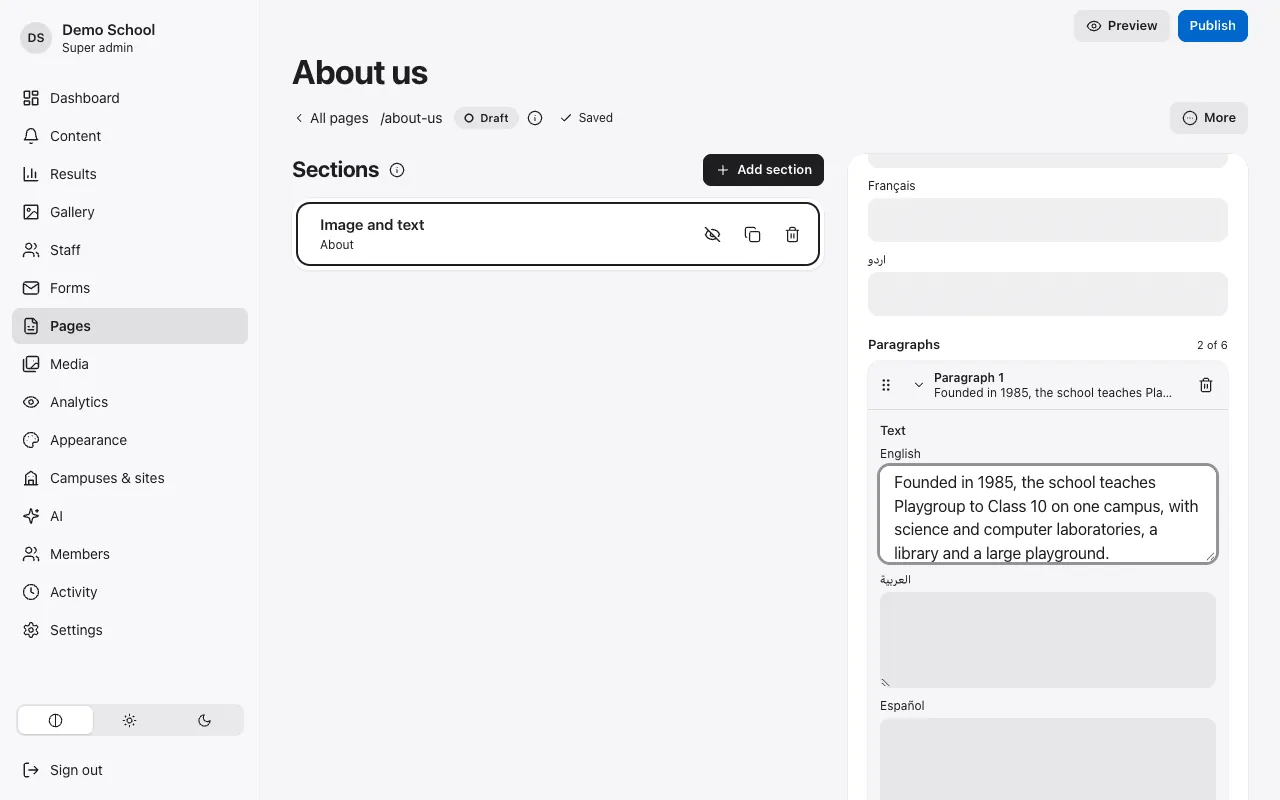
Build pages from ready sections: text and images, programmes, staff, galleries, maps, forms. Preview, publish, and go back to any earlier version.
For schools, colleges, universities, academies, trainers, tutors and course creators
Publish notices, results, date sheets, galleries and admission adverts yourself, in your languages, without waiting for a web developer. X-Comm runs the website, the admin, the backups and the security.
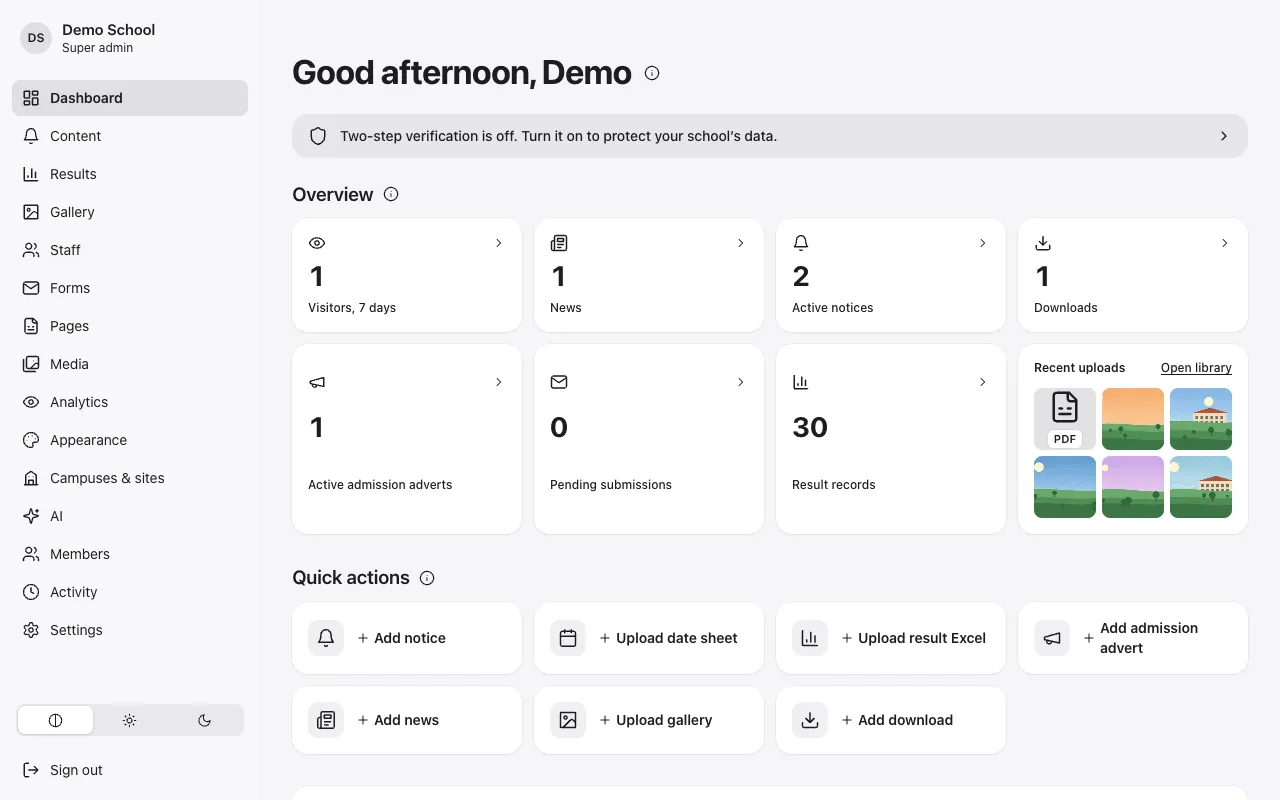
Notices, date sheets, results, admission adverts and the gallery, published by the people who already do this work, with roles that match how a school is run.
Give each campus or department its own site and editors, keep one look, and keep control of who can publish what.
Show your programmes, timetables and results, collect enquiries in one inbox, and keep everything up to date from your phone.
A fast, good-looking site on your own domain, with your subjects, videos, downloads and a form for new students, in the languages your students speak.
Switch on the modules that fit you. Each one is a few clear screens, with help next to every field.
Build pages from ready sections: text and images, programmes, staff, galleries, maps, forms. Preview, publish, and go back to any earlier version.
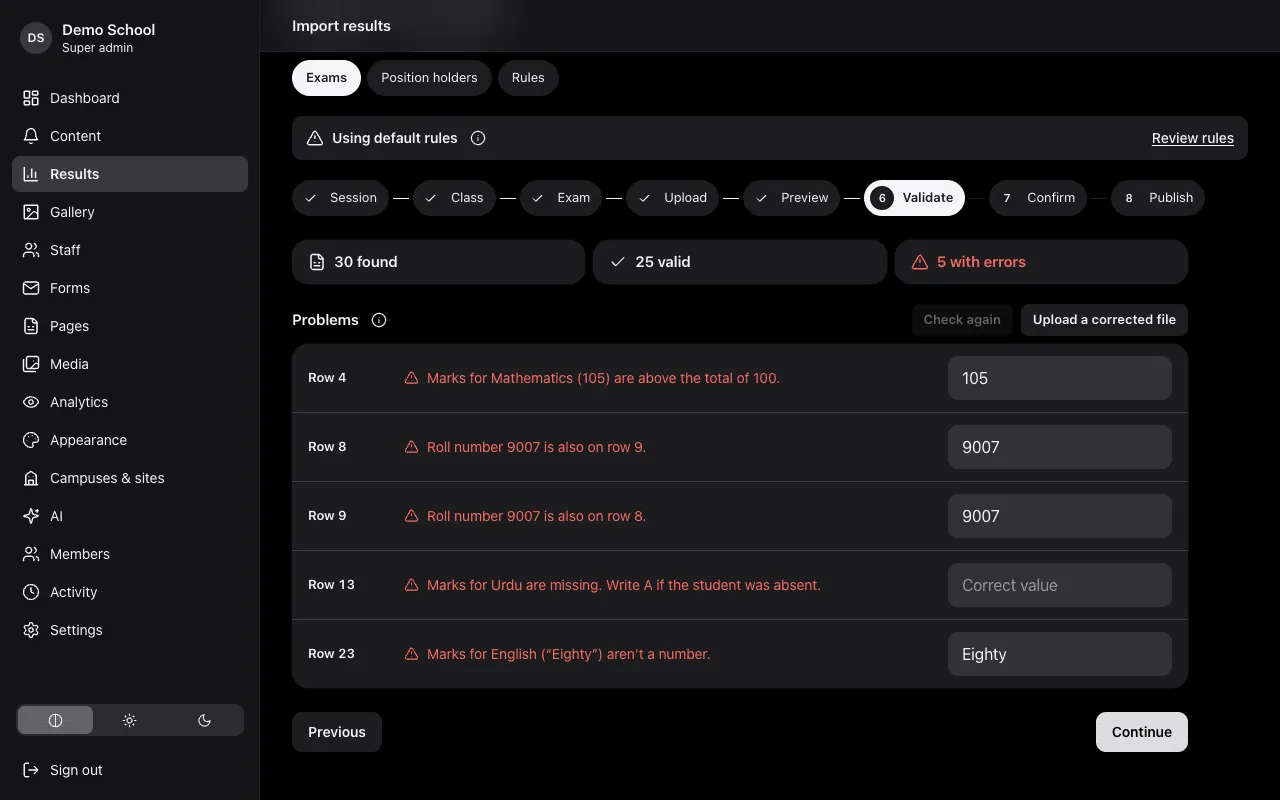
An eight-step import finds duplicate roll numbers, marks above the total and missing subjects, and lets you fix them on screen. Visitors search by roll number and print or download their result.
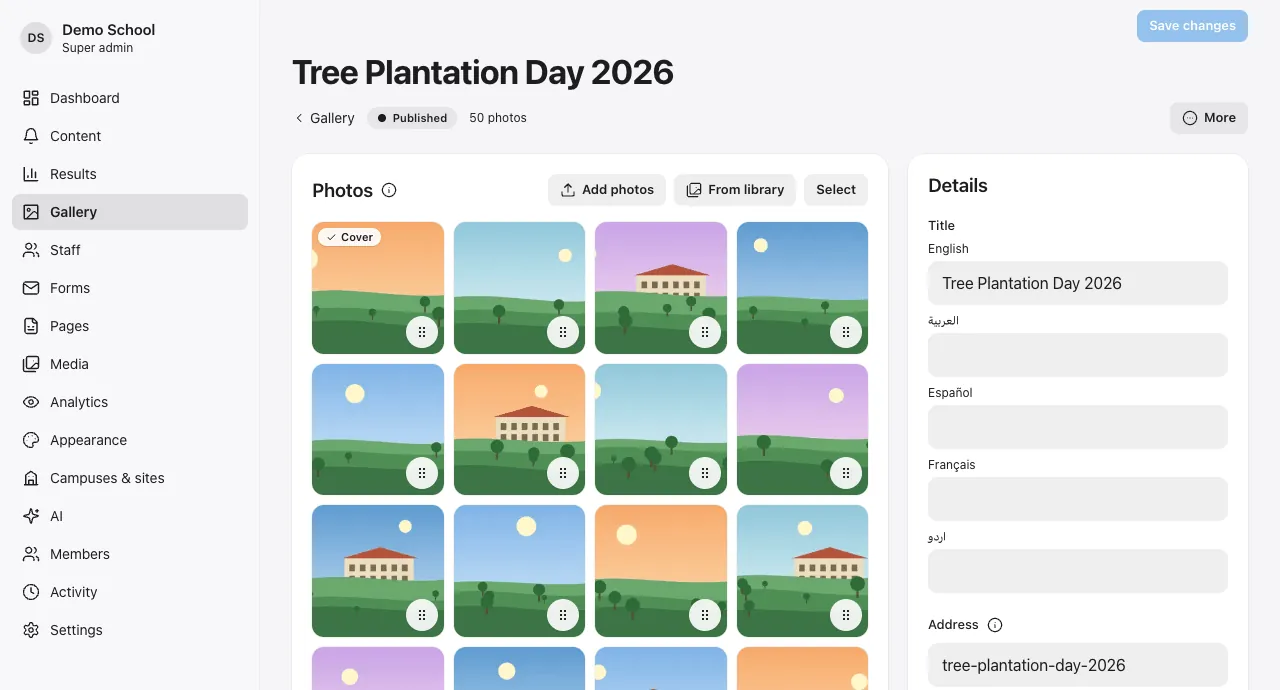
Drag in a whole album of photos at once, choose the cover, publish. Notices can be scheduled, pinned or shown as an emergency banner on every page.
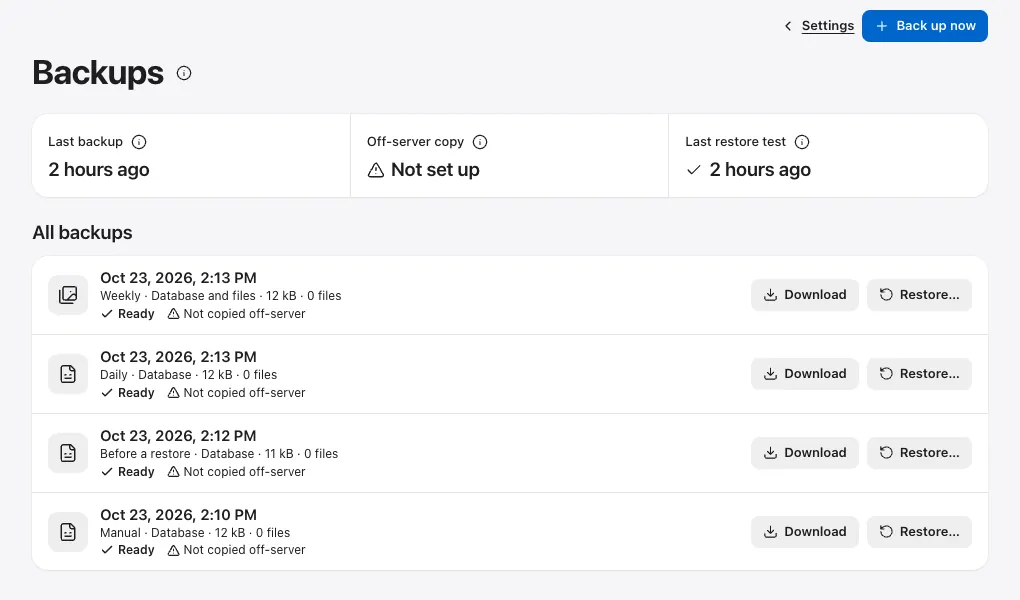
Enquiry and application forms land in one inbox with optional email alerts. Visitor numbers are counted without cookies. Backups run on their own and can be downloaded.
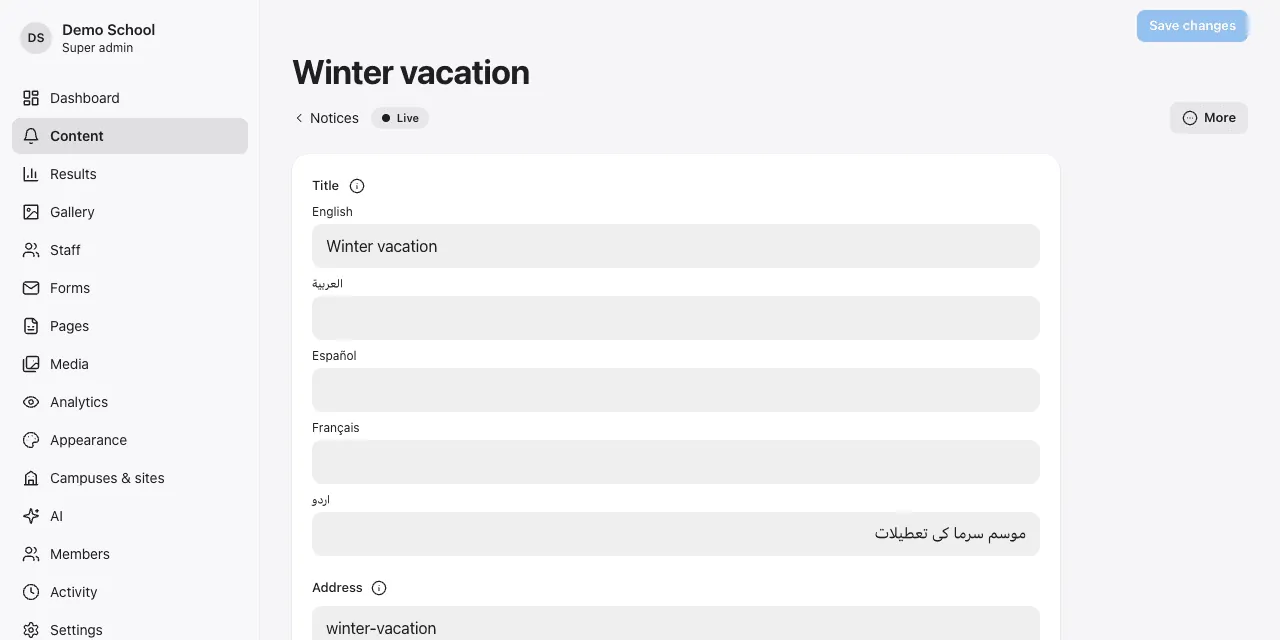
X-Comm was built for Pakistan, the Middle East and the US from day one. Urdu and Arabic pages read right to left with the right fonts; the admin itself is available in all five languages.
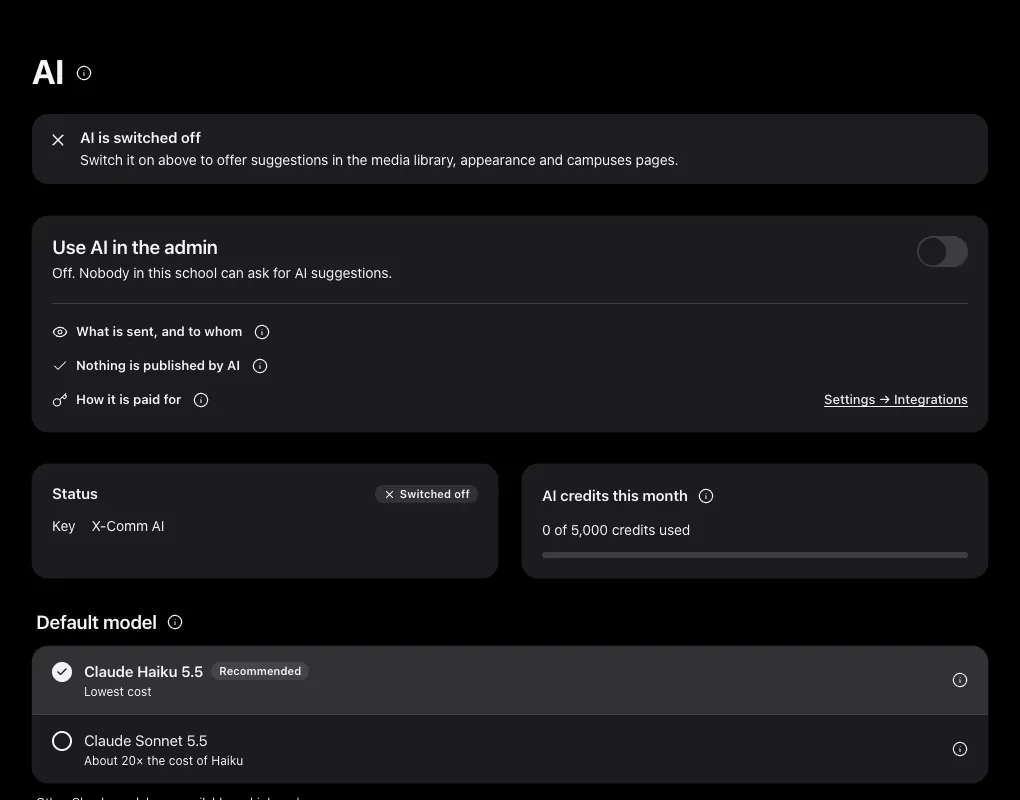
AI in X-Comm is off until you switch it on, and every suggestion waits for a person to accept it.
Draft or tidy a notice, then translate it into your other languages and review it side by side.
Suggested alt text for photos, so the website works with screen readers and search.
Usage is metered per organization with monthly credits; higher plans can use their own AI keys. Each AI feature is tested against a set of checks, in every language, before it is offered.
Security and backups are part of the product, not an add-on.
Every organization's data is kept apart in the database itself, and that separation is tested automatically.
Required for owners, exam staff and the X-Comm team; recovery codes for a lost phone. Every change goes into an activity log.
Daily, weekly and monthly backups of your data and files, an optional copy with a second provider, and a restore you preview before confirming.
Visitor analytics without cookies or third parties. Result search is rate-limited, and staff pages have no phone or ID fields.
Public pages are prepared in advance and delivered from a content delivery network, so they open quickly on mobile data too.
Start on a free X-Comm address, then connect your own domain. The secure certificate is issued for you.
Sitemaps, clean addresses, structured data and redirects from your old website's links.
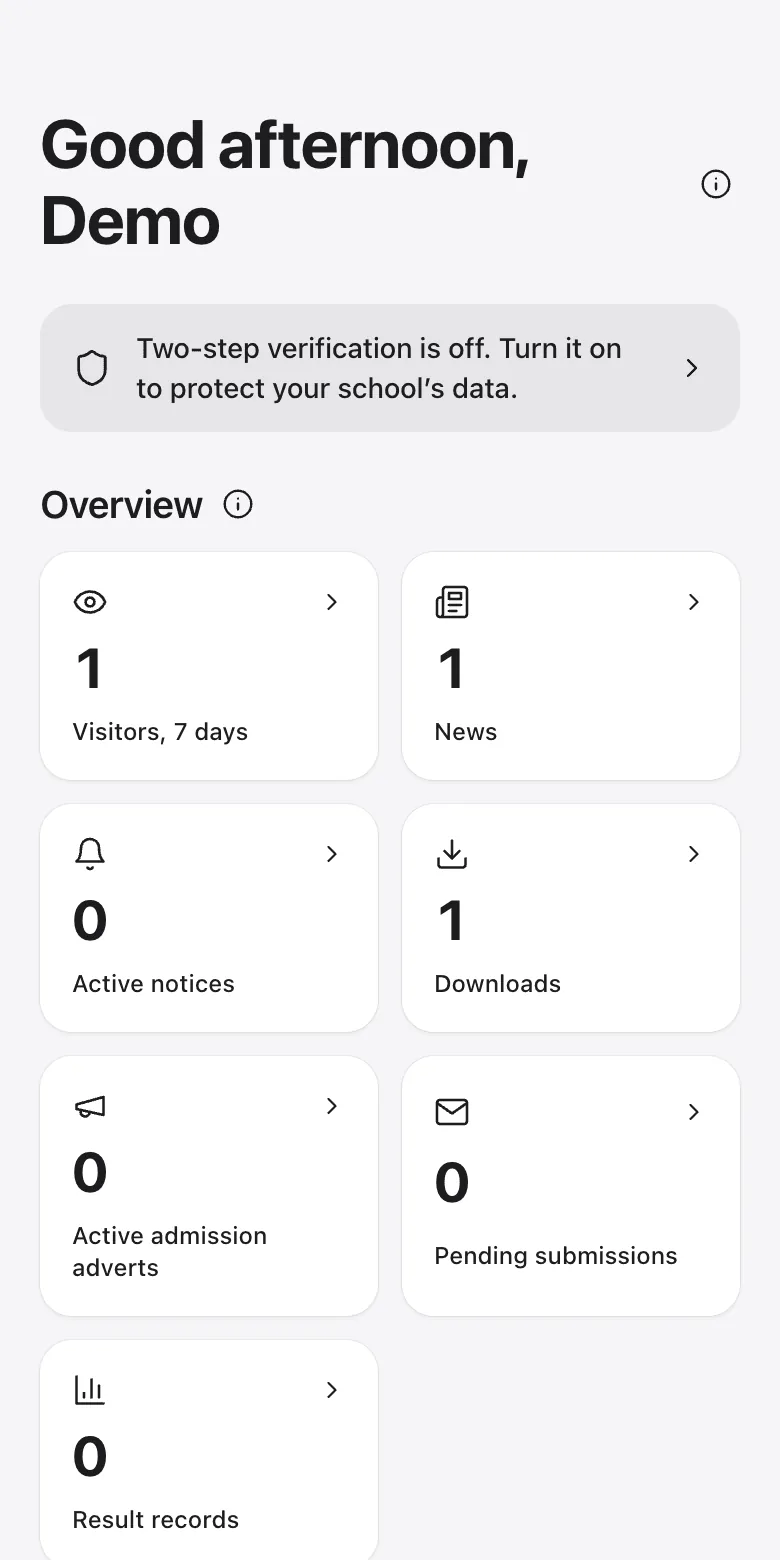
Every admin screen works on a phone, so a notice about tomorrow's holiday can go out from anywhere.
Book a 30-minute demo. We'll show you the admin, answer your questions, and talk through moving your current website.